
When Your Spreadsheets Become a Business Liability
Spreadsheets are remarkable tools. They're flexible, familiar, and get you started quickly when you need to track information or automate calculations. Most businesses begin with spreadsheets because they work—at first. You track customers in one sheet, inventory in another, maybe orders in a third. You add formulas, create pivot tables, maybe even learn some macros. For a while, this setup serves you well.
Then your business grows. The customer spreadsheet now has 3,000 rows and takes 30 seconds to open. Three people need to update the inventory sheet simultaneously, but only one person can edit at a time. Someone accidentally overwrites a formula and nobody notices until the numbers stop making sense. You have five versions of the "master" order tracker and you're not sure which one is current. Critical business data lives in files on someone's laptop.
You've reached the point where spreadsheets shift from helpful tool to operational liability. The flexibility that made them useful initially now creates fragility. The simplicity that made them accessible becomes limiting. What worked for a small team doing straightforward tasks breaks down when handling complexity, scale, and collaboration. Let's explore when spreadsheets stop serving your business and what to do about it.
The Spreadsheet Ceiling: Signs You've Hit It
Every business hits a point where spreadsheets can't keep up with operational needs. These warning signs reveal when that moment arrives.
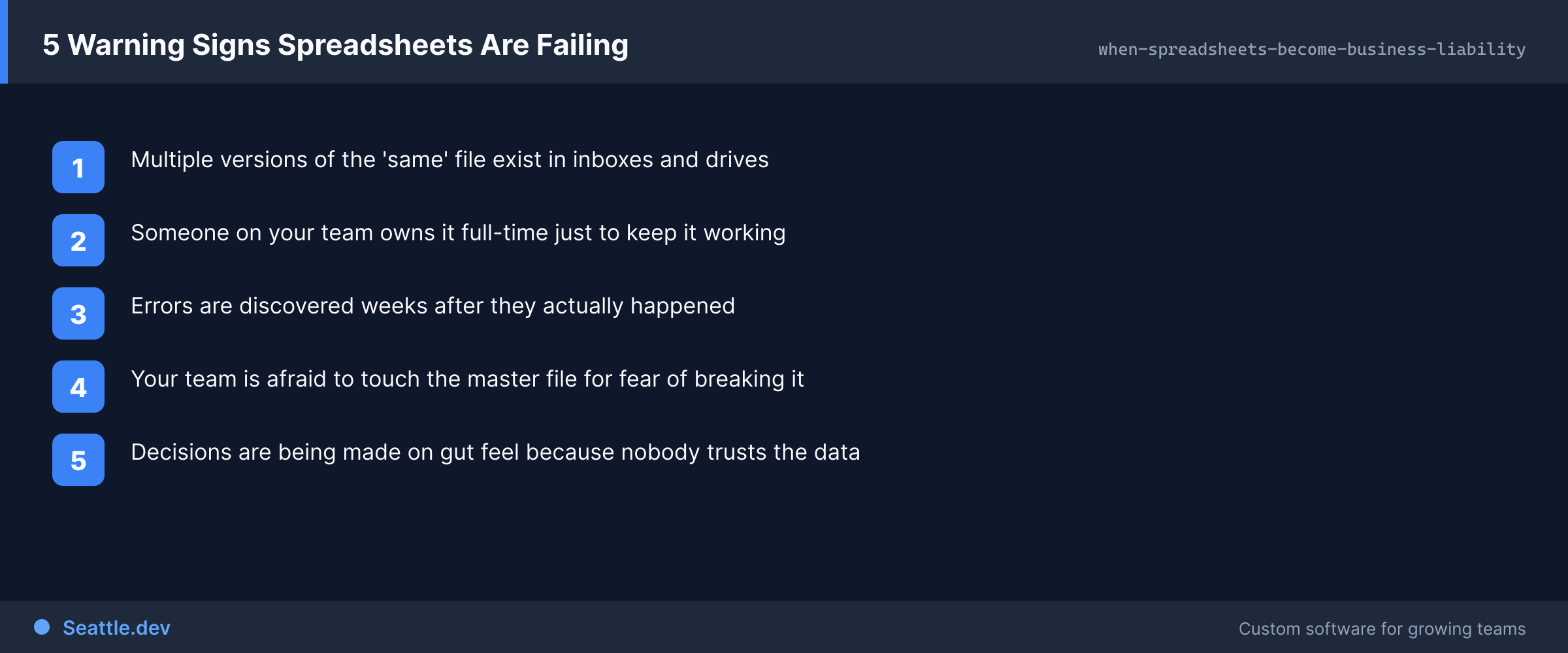
Multiple people need the same data simultaneously. Spreadsheets weren't designed for real-time collaboration. When your sales team needs to update customer information while your operations team needs to check order status while your finance team needs to review payments, passing around a single file doesn't work. People wait their turn, work from outdated copies, or overwrite each other's changes. Your team wastes time coordinating access to data that should just be available.
You're managing versions instead of data. When spreadsheets get shared, version proliferation happens. Someone emails "Customer_List_Final.xlsx" but then needs one more change, so "Customer_List_Final_v2.xlsx" gets sent. Weeks later, you have ten files with slight variations and nobody's certain which contains accurate data. Version control systems aren't built for spreadsheets, so coordinating becomes manual and error-prone. The overhead of managing versions exceeds the value of the data itself.
Critical formulas break and nobody notices immediately. Spreadsheets make it easy to accidentally delete a formula, reference the wrong cell, or introduce calculation errors. These mistakes often go unnoticed until numbers don't reconcile or someone catches an obviously wrong result. By then, you don't know when the error was introduced or how many decisions were made using incorrect data. The lack of validation and audit trails means errors propagate silently.
You're copying data between multiple spreadsheets. As operations grow more complex, single spreadsheets become unwieldy, so you create multiple sheets: customer information in one, order history in another, inventory in a third. Then you manually copy data between them to maintain connections—updating customer details requires changing three different files. This duplication wastes time and creates inconsistencies when updates don't get copied everywhere.
Onboarding new team members takes weeks. New employees need to learn your spreadsheet structure—which file contains what, where specific information lives, which formulas to never touch, and which cells to actually edit. This institutional knowledge exists in people's heads, not in the tools themselves. Training takes forever, mistakes are common, and expertise walks out the door when employees leave.
You've built elaborate macros and VBA scripts. When spreadsheet functionality isn't enough, some businesses extend them with custom code. These macro-heavy spreadsheets become fragile beasts that only one or two people understand. When those people leave or the macros break, nobody can fix them. You've essentially built custom software using the wrong foundation.
Performance becomes problematic. Large spreadsheets with thousands of rows and complex formulas slow to a crawl. Opening files takes minutes. Recalculations freeze the application. Simple updates require waiting. Your team's productivity suffers because the tools can't handle the data volume your business now generates.
Security and access control are impossible. Spreadsheets offer limited security. You can password-protect files, but that's crude. You can't have some people access certain data while restricting other parts. You can't track who changed what. You can't prevent people from downloading and forwarding sensitive data. As your business handles more customer information, financial data, and proprietary intelligence, these limitations create real risks.
The Hidden Costs of Spreadsheet Dependence
Beyond obvious frustrations, spreadsheet-based operations create costs that compound over time.
Time multiplication across your team. When five people each spend 30 minutes daily fighting spreadsheet limitations—waiting for files to load, reconciling versions, copying data between sheets, fixing broken formulas—that's 12.5 hours daily. Multiply by 250 business days and you're losing 3,125 hours annually to spreadsheet overhead. That's time not spent serving customers, improving products, or growing your business.
Error costs that cascade. Spreadsheet errors aren't just annoyances—they drive real business costs. Wrong inventory counts lead to stockouts or overordering. Incorrect customer data causes failed deliveries. Miscalculated pricing loses money on every transaction. Some errors are caught and corrected; many aren't discovered until they've caused problems. The cost of spreadsheet errors is often invisible because you don't know what went wrong.
Decisions made on uncertain data. When you can't trust your data's accuracy or currency, decision quality suffers. You hesitate on opportunities because numbers might be wrong. You operate conservatively because you're not confident in your information. Strategic decisions get delayed while people manually verify data. This uncertainty tax limits business agility and growth.
Bottlenecks around spreadsheet experts. Knowledge concentrates in the people who built and understand your complex spreadsheets. When you need data updated, a report generated, or a formula fixed, you wait for that person's availability. Their vacation creates operational disruption. Their departure creates crisis. These human bottlenecks prevent your business from operating smoothly.
Inability to scale operations. Spreadsheet-based processes that work for 100 customers or 50 orders daily break completely at 1,000 customers or 500 orders daily. The same operations just take ten times longer and generate ten times more errors. You can't grow without either hiring dramatically more people to manage spreadsheets or fundamentally changing how you operate. Spreadsheets limit your business's growth trajectory.
What Custom Software Provides Instead
Moving from spreadsheets to purpose-built software transforms these pain points into operational advantages.
Real collaboration, not file passing. Multiple people access current data simultaneously without conflicts. Your sales team updates customer information while operations processes orders while finance reviews payments—everyone works with the same real-time data. No more emailing files around or coordinating who has editing access. Everyone sees current information and makes updates that appear immediately for everyone else.
Confidence in data accuracy. Custom software validates data as it's entered. If a customer's email address is malformed, you know immediately. If inventory can't be negative, the system prevents it. Required fields must be filled. Calculations happen consistently using validated logic. Audit trails show who changed what and when. This validation and tracking dramatically reduces errors and increases confidence in your data.
Purpose-built interfaces for specific tasks. Instead of navigating complex spreadsheets, your team gets interfaces designed for what they actually do. Customer service representatives get customer lookup and order management screens with just the information they need. Warehouse staff get inventory interfaces optimized for their workflows. Everyone gets tools designed for their specific job rather than generic spreadsheet grids.
Automation of routine operations. Workflows that required manual steps become automatic. When an order is placed, inventory updates automatically, the customer receives confirmation, accounting records the transaction, and fulfillment gets notified. Nobody manually updates multiple spreadsheets to keep everything synchronized. The software orchestrates operations according to your business rules.
Scalability without proportion cost increases. Software handles ten orders or ten thousand orders with the same effort. Database queries against millions of records return results in milliseconds. Reports generate instantly regardless of data volume. As your business grows, your software continues performing well without requiring dramatically more staff to manage operations.
Clear permissions and security. Different team members get appropriate access. Customer service sees customer data but not financial details. Finance sees payment information but not operational minutiae. Managers see broader information than line staff. These permission systems protect sensitive data while giving everyone access to what they actually need for their roles.
Business continuity through turnover. When employees leave, your business processes remain intact because they're implemented in software, not tribal knowledge about spreadsheet structures. New team members get trained on using the software, which is straightforward, rather than learning complex spreadsheet architectures. Documentation lives in the system itself rather than in people's heads.
Common Spreadsheet Scenarios Worth Replacing
Certain spreadsheet uses particularly benefit from custom software replacements.
Customer relationship management. Tracking customers, interactions, opportunities, and history in spreadsheets becomes unwieldy quickly. Custom CRM portals provide complete customer views, track interactions automatically, remind team members of follow-ups, analyze patterns, and integrate with email and communication tools. Your team spends time building relationships instead of managing spreadsheets.
Order and fulfillment tracking. Order processing through spreadsheets requires manual data entry, copying information between sheets, tracking status changes, and coordinating multiple team members. Custom order management systems capture orders automatically, route to appropriate fulfillment workflows, update status in real-time, notify customers, integrate with inventory and accounting, and provide visibility throughout the organization.
Inventory management. Spreadsheet inventory tracking breaks down quickly—multiple locations, item variations, reorder points, and supplier information become tangled. Custom inventory systems track quantities across locations in real-time, alert when reordering is needed, integrate with purchasing and sales, analyze usage patterns, and prevent stockouts and overordering.
Project and task management. Teams tracking projects, tasks, and time in spreadsheets face coordination nightmares. Custom project portals assign tasks clearly, track progress automatically, show resource allocation, identify bottlenecks, integrate time tracking with billing, and give leadership visibility into operations without constant status meetings.
Financial tracking and reporting. While accounting software exists for general ledger work, many businesses track specific financial information in spreadsheets—project budgets, departmental spending, custom reporting. Custom financial portals integrate with accounting systems, provide real-time budget visibility, generate custom reports automatically, and enforce spending controls according to your specific business rules.
Making the Transition from Spreadsheets
Moving from spreadsheets to custom software doesn't require abandoning everything simultaneously. Thoughtful transitions minimize disruption while delivering value quickly.
Start with the biggest pain point. Identify which spreadsheet-based process causes the most frustration, wastes the most time, or creates the most errors. Build a custom solution for that specific problem first. Quick wins demonstrate value and build momentum for broader improvements.
Migrate data thoughtfully. Your spreadsheets contain years of business data that needs to move to new systems. Good migration processes clean data during the transition—fixing inconsistencies, standardizing formats, removing duplicates—so you start with quality data rather than perpetuating spreadsheet problems.
Design for how you actually work. Don't just replicate spreadsheet structures in software form. Understand actual workflows and design interfaces that match them. The transition is an opportunity to improve processes, not just digitize existing inefficiencies.
Train during transition, not after. Introduce new software while the old system still exists. Let people learn gradually and build comfort before fully committing. Parallel operations initially mean extra work, but they reduce risk and increase adoption because people can verify new systems work correctly before depending on them.
Plan for exceptions and edge cases. Spreadsheets often handle complex situations through manual manipulation. Custom software needs to accommodate these scenarios through design, not by forcing people back to spreadsheets for special cases. Build flexibility for the unusual situations that your business actually encounters.
When Spreadsheets Still Make Sense
Despite their limitations, spreadsheets remain excellent tools for certain uses. Not everything requires custom software.
One-time analysis or exploration. When you're exploring data, performing what-if analysis, or doing one-off calculations, spreadsheets excel. They're fast, flexible, and perfect for experimental work. Just don't let these explorations become permanent operational processes.
True simplicity with no growth trajectory. If you're tracking something truly simple with no expectation of growth, complexity, or collaboration needs, spreadsheets work fine. A small team's vacation calendar or a simple expense tracker probably don't warrant custom software.
Personal use without dependencies. If one person maintains information for their own use and nobody else depends on it, spreadsheets are perfectly appropriate. The problems emerge when spreadsheets become shared infrastructure supporting business operations.
The question isn't whether spreadsheets are bad tools—they're not. The question is whether they're the right tool for what you're actually doing. When your operations exceed spreadsheet capabilities, continuing to rely on them becomes a liability that limits your business rather than enabling it.
Building Your Post-Spreadsheet Future
Every business reaches a point where spreadsheet limitations constrain growth and operations. Recognizing this moment and acting on it distinguishes companies that scale smoothly from those that struggle.
The transition from spreadsheets to custom software isn't about abandoning something that worked. It's about graduating to tools appropriate for your current scale and complexity. It's choosing operational efficiency over familiar limitations. It's investing in your business's operational foundation.
Ready to stop fighting spreadsheet limitations and start working with software that actually fits your business? We help Seattle companies identify which spreadsheet-based processes are worth replacing and build custom solutions that transform operations. Schedule a consultation to discuss your spreadsheet pain points and explore how custom software can eliminate errors, enable collaboration, and scale with your growth. We'll help you understand which improvements deliver the most value and create a practical transition plan that minimizes disruption while maximizing benefit.