

Making Technology Decisions for Your Small Business (Without Losing Your Mind)
If you can't write the problem in one sentence and name what it costs you each month, you're not ready to buy software. That sounds harsh. It will also save you more money than any vendor comparison spreadsheet.
You started the business because you're good at the work. Technology was supposed to help. Instead you're juggling five tools that don't talk to each other, your team is inventing workarounds, and every quarter someone pitches a platform that will "transform" everything. Your competitor uses something expensive. Your friend uses something else. An article says you should be on a third stack entirely.
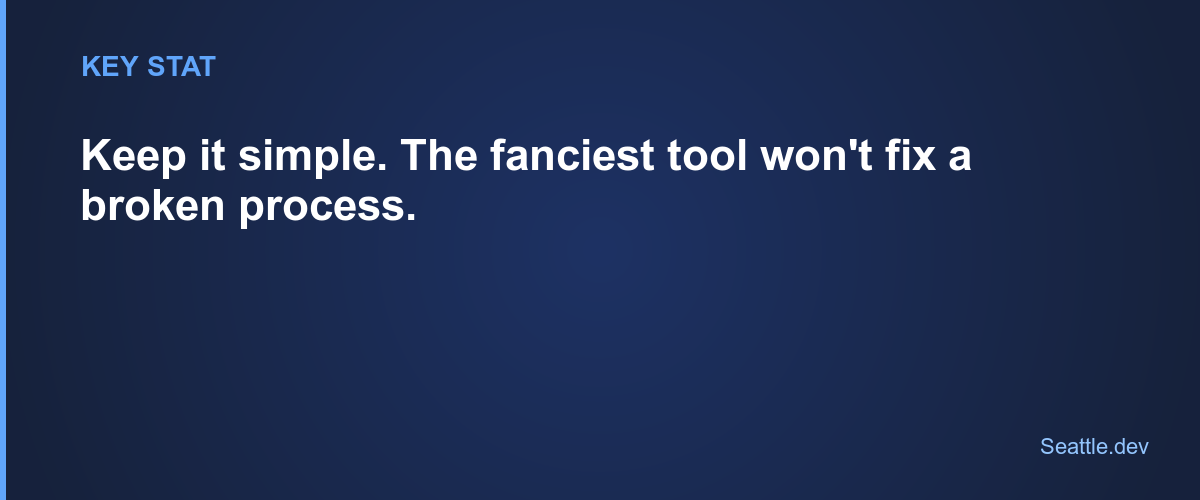
Stop asking "what software should I buy?"
That question is backwards. The useful question is: what problem am I solving, and what's the simplest fix that actually works?
Sometimes the answer is a documented process and better training, not a new subscription. Sometimes it's a $50/month tool. Sometimes it's custom software. Custom is last on that list for a reason.
Write the problem in plain language:
- "Our team spends three hours every Friday compiling the same report by hand"
- "Customers call us for information they should be able to see themselves"
- "We enter the same order into three systems that don't connect"
- "The software we use forces a workflow that doesn't match how we sell"
"We need to be more efficient" is not a problem statement. "We spend about $2,000 a month on labor for data entry that should be automatic" is.
Then price the pain. Employee hours, lost customers, turnover, work you never get to. If you can't name a cost, you can't tell whether any solution is worth it.
A four-rung decision ladder (climb in order)
1. Fix the process first.
I've watched businesses spend $20K on software for a mess that existed because nobody wrote down how the work should run. Document the flow. Train the team. Revisit the tool question after that.
2. Squeeze what you already pay for.
Most companies use a fraction of their current stack. Call the vendor. Tell them the outcome you need. They often surface features you're already funding. Boring. Effective.
3. Off-the-shelf, if the problem is common.
Good signs: multiple vendors sell the same category, other businesses like yours use it successfully, you can try before you buy, and the total cost fits without strain.
One number I force people to face: a $200/month plan is $2,400 a year, forever. Add seats, "pro" tiers, setup, and the workarounds you'll invent. Over three to five years, that "cheap" path is often more expensive than a focused custom build. Run your own math in the build vs. buy calculator before you commit either way.
4. Custom software, when the workarounds are the business.
Custom earns its keep when:
- How you operate is a competitive edge, and generic tools flatten it
- Off-the-shelf forces permanent workarounds that cost real time and money
- You're spending more fighting limitations than a phased build would cost
- You've actually used a few tools, not just watched demos, and they all broke on the same requirement
Custom isn't about polish. It's about solving a specific problem more cheaply than living with the alternative.
Buying because a competitor has it. They may have different needs, a bigger budget for vanity, or a mistake you don't need to copy.
Buying for a company twice your size. Solve this year's problems. The "we'll need it when we scale" purchase often sits unused while you grow into different constraints.
Trusting the sales demo. Clean data, ideal workflows, no edge cases. Ask to see the messy version: permissions fights, bad imports, half-complete records.
Ignoring total cost. The $200 plan becomes the $800 plan. Plus setup. Plus per-user fees. Plus training. Write the full number before you sign.
Deciding in crisis. When something is on fire, buy a temporary patch. Make the real choice when you're not panicked.
Questions worth asking before you spend
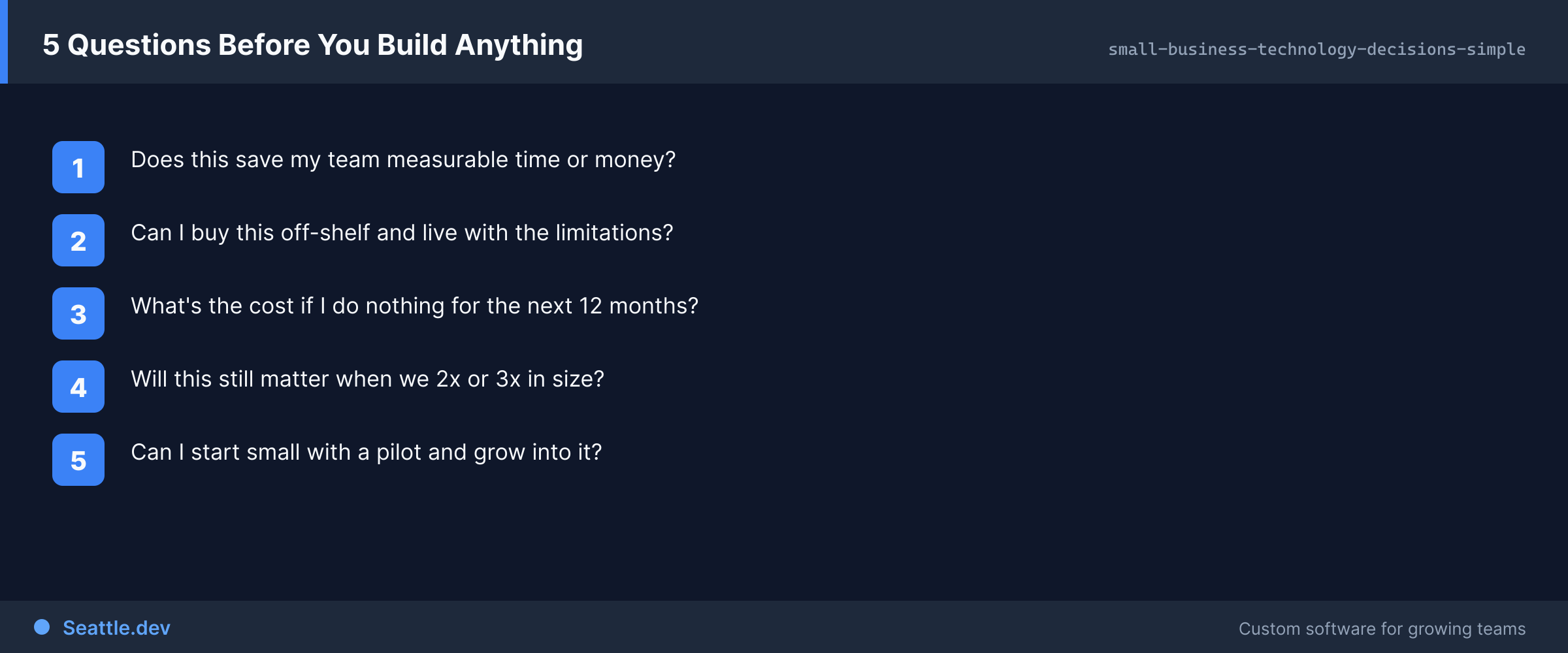
Will people actually use it? Talk to the daily users, not just the person who signs the check. If they're lukewarm, adoption dies quietly.
What's the exit? Can you export your data? In what format? Are you locked into a multi-year contract?
Who fixes it when it breaks? Vendors own off-the-shelf support. Custom needs a named owner. On work I ship, managed hosting typically runs $200–500 a month and ongoing support starts around $750 a month. That buys someone who already knows the system, not a ticket queue overseas.
Is this the problem or a symptom? Software amplifies process, staffing, and training issues. It rarely cures them.
What's the simplest thing that would work? Solving 80% of the pain with a simple path beats a complex system that promises 100% and delivers meetings.
How to evaluate tools without becoming a technologist
Skip vendor-site testimonials. Find real operators and ask: what do you love, what drives you crazy, what surprised you after month three, would you pick it again?
Use the trial for real work. Import a slice of actual data. Run your actual workflow once. Smooth vs. frustrating will show up fast.
You're entering a relationship, not renting a feature list. How fast do they respond? Do they ship improvements? Are they stable enough to still exist in five years?
Know the exit before day one. Export path, migration help, data format. If that's fuzzy, walk.
When custom makes sense for a small business
Not only for enterprises. Custom fits when your process is the product, when workaround labor already outruns a phased build, when you've genuinely burned through off-the-shelf options, or when you need a thin layer that makes existing systems talk to each other instead of replacing everything with one bloated suite.
You don't have to boil the ocean. On a typical custom software development project, I aim to ship something useful in 6–8 weeks that hits the worst pain, then add phases as budget and learning allow. Simple internal dashboards often land in the $30K–$50K range; fuller portals climb from there depending on integrations and user types.
What you bring vs. what a good partner brings
You know the business, the constraints, what the team can learn, and what customers actually care about. A good technical partner knows what's feasible, what similar shops have tried, what tends to break, and which questions you haven't thought to ask yet.
The useful ones ask a lot of questions, explain trade-offs in business language, and will tell you when something isn't worth building. If someone starts selling a package in the first fifteen minutes, they're not listening.
Your next move
Write the problem specifically. Price it. Talk to people who use whatever you're considering. Start simple. Don't buy next year's system for this year's mess.
If you want a blunt second opinion from a Seattle web developer who's spent 27 years watching small businesses overbuy and under-define, I'm happy to have that conversation. No pitch. I'll tell you if custom is wrong for you.
Schedule a consultation. Maybe you need software. Maybe you need to use what you have. Maybe you need something I don't do. You'll get a clear answer either way.
Technology should make the business quieter, not louder. Start with the problem, not the catalog.